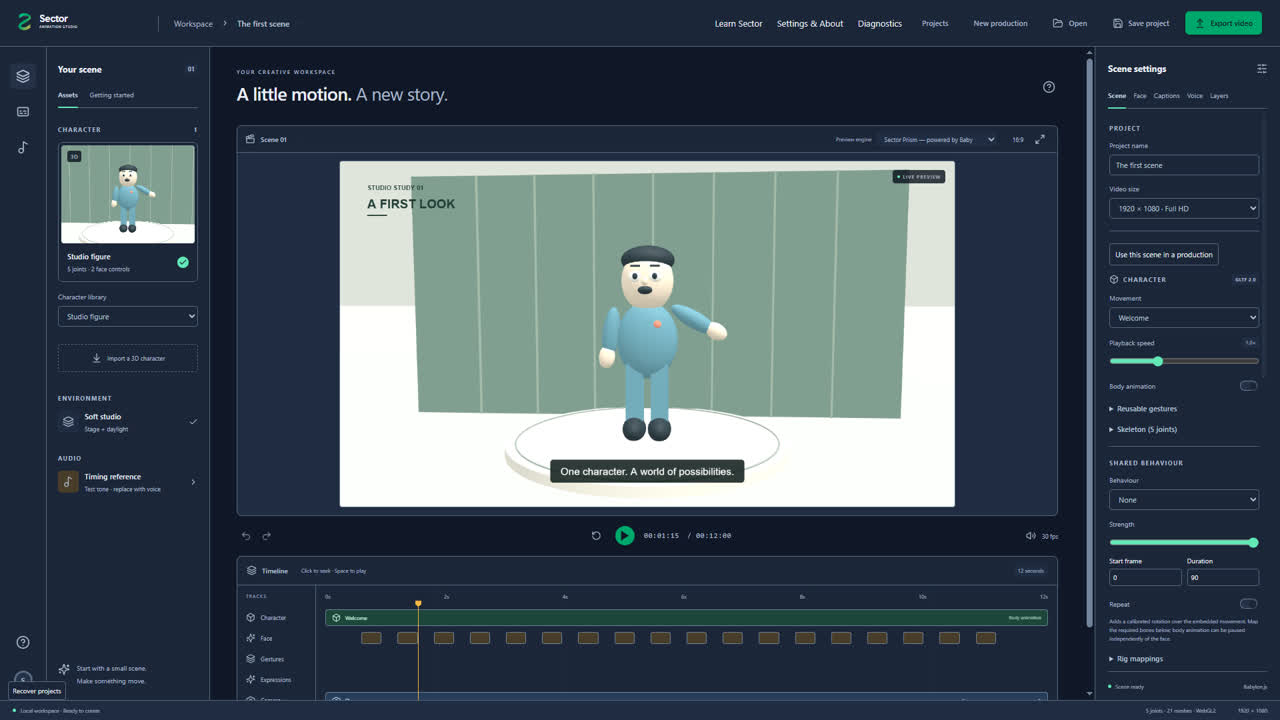
01 / Getting started
PublishedMeet Sector and make your first preview
Welcome to Sector Animation Studio.
Beginner · 3:00
Lesson details →
TUTORIAL CATALOGUE
Find the lesson you need, from your first preview to a finished video. Planned topics are clearly identified.
27 lessons found
01 / Getting started
PublishedWelcome to Sector Animation Studio.
Beginner · 3:00
Lesson details →02 / Getting started
PlannedFull downloading and registered installation need a cleared public artifact and an isolated installer environment. Existing local candidates are unsigned. No fabricated download or installation recording.
Beginner · Recording planned
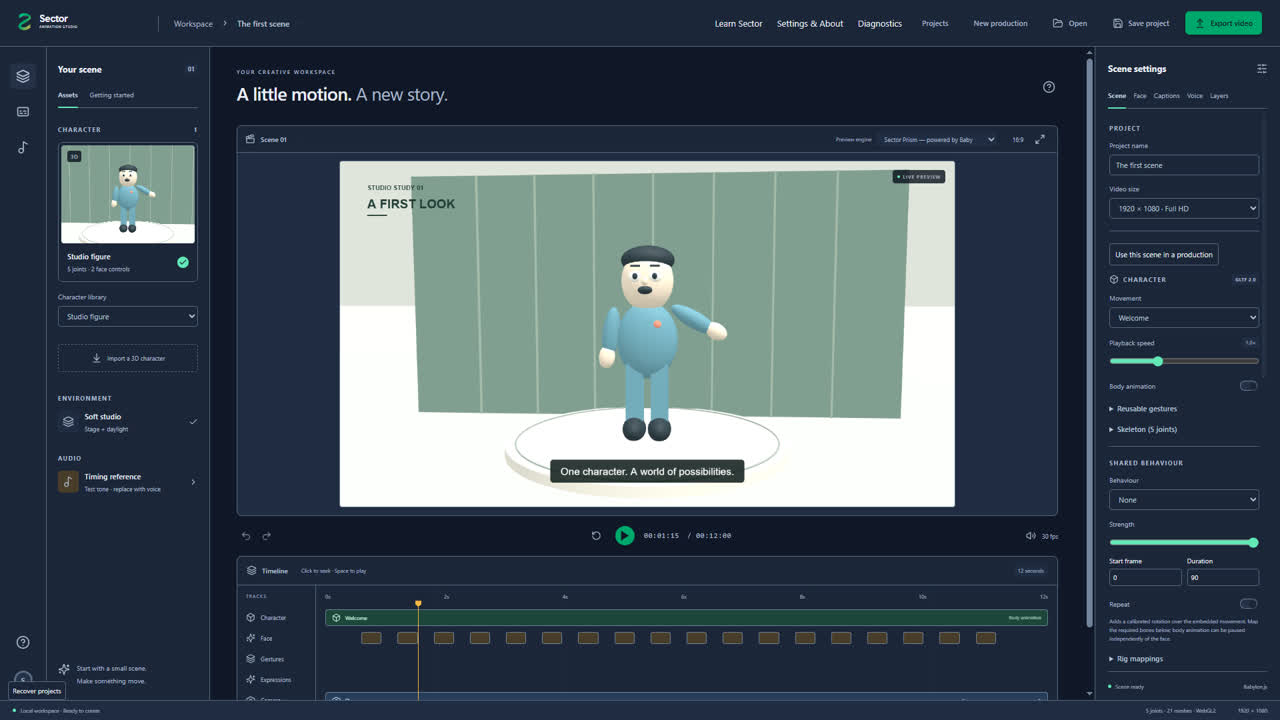
03 / Getting started
PublishedThis lesson gives you a map of Sector.
Beginner · 3:07
Lesson details →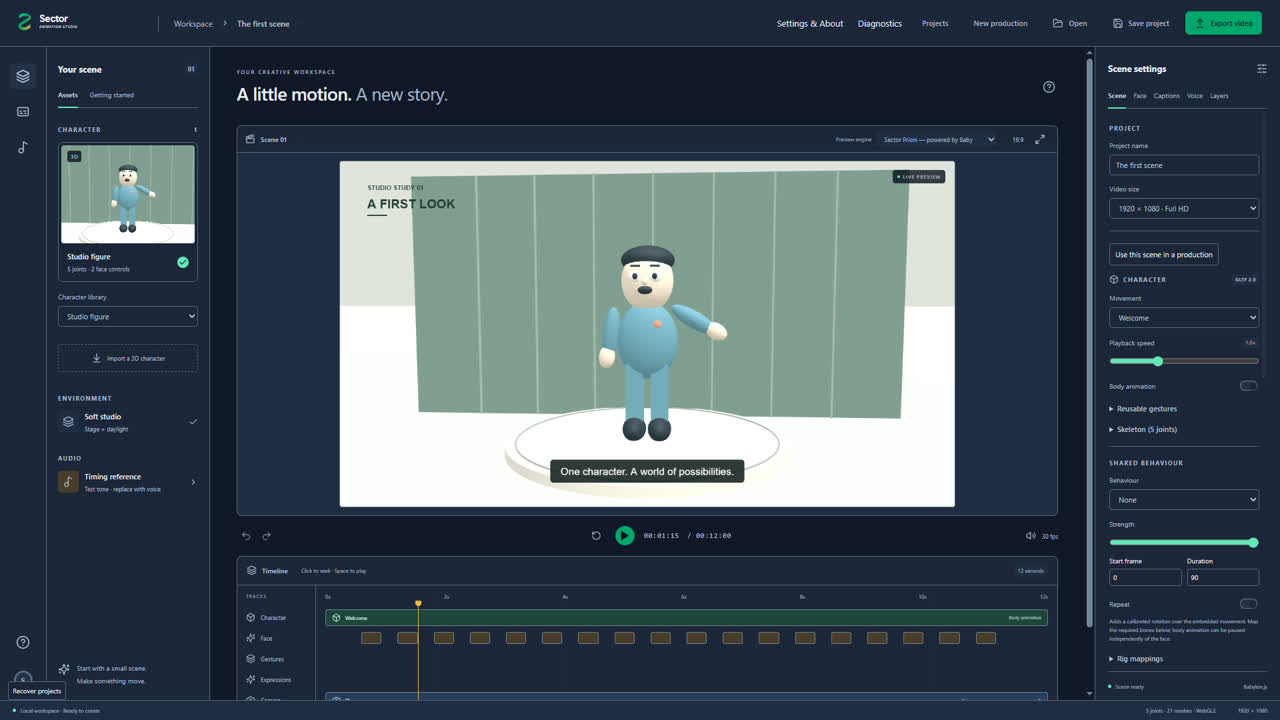
04 / Getting started
PublishedA project is the saved collection of your animation work.
Beginner · 3:04
Lesson details →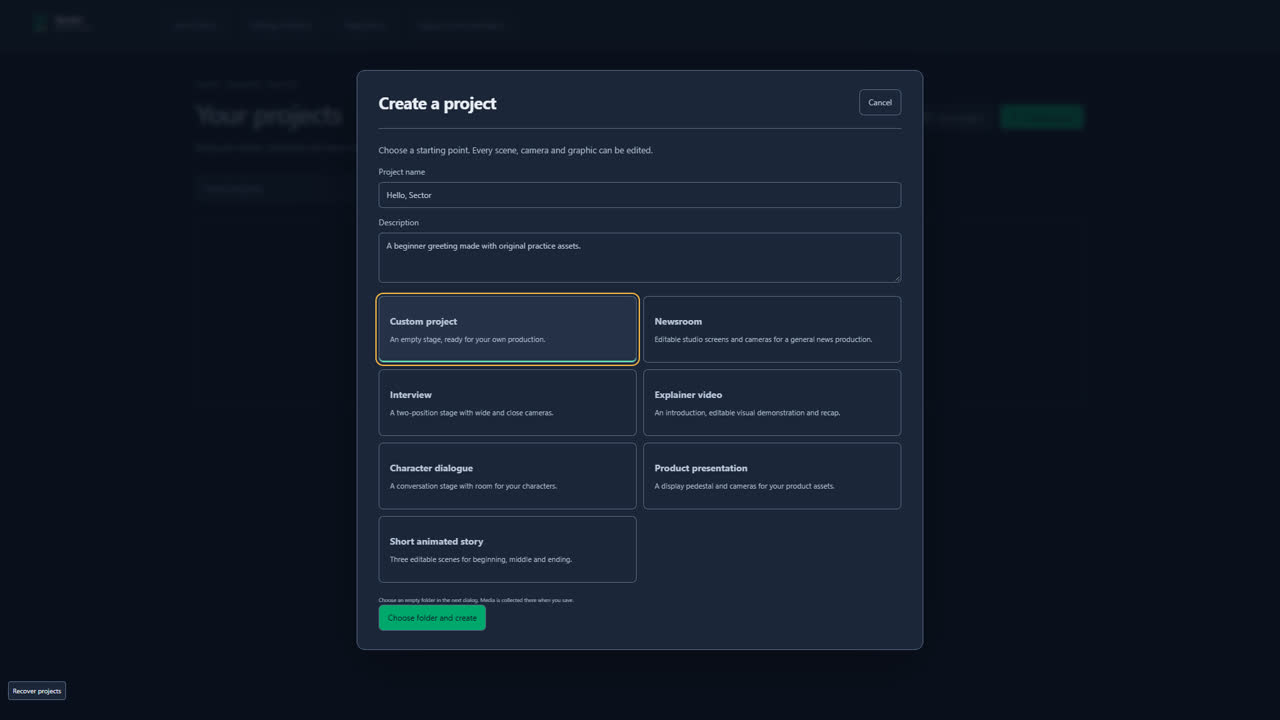
05 / Getting started
PublishedWe will create the reusable Hello, Sector project.
Beginner · 3:15
Lesson details →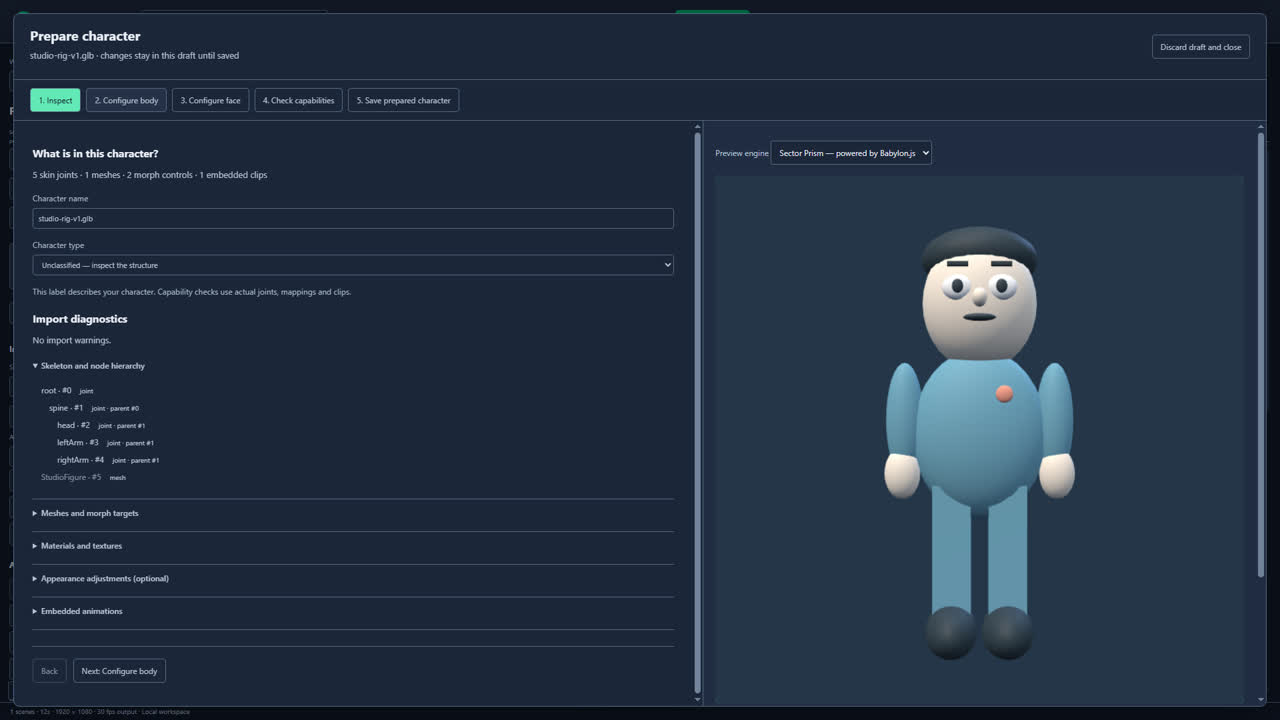
06 / Creating animations
PublishedOpen Hello, Sector and choose All tools in Workspace area.
Beginner · 3:18
Lesson details →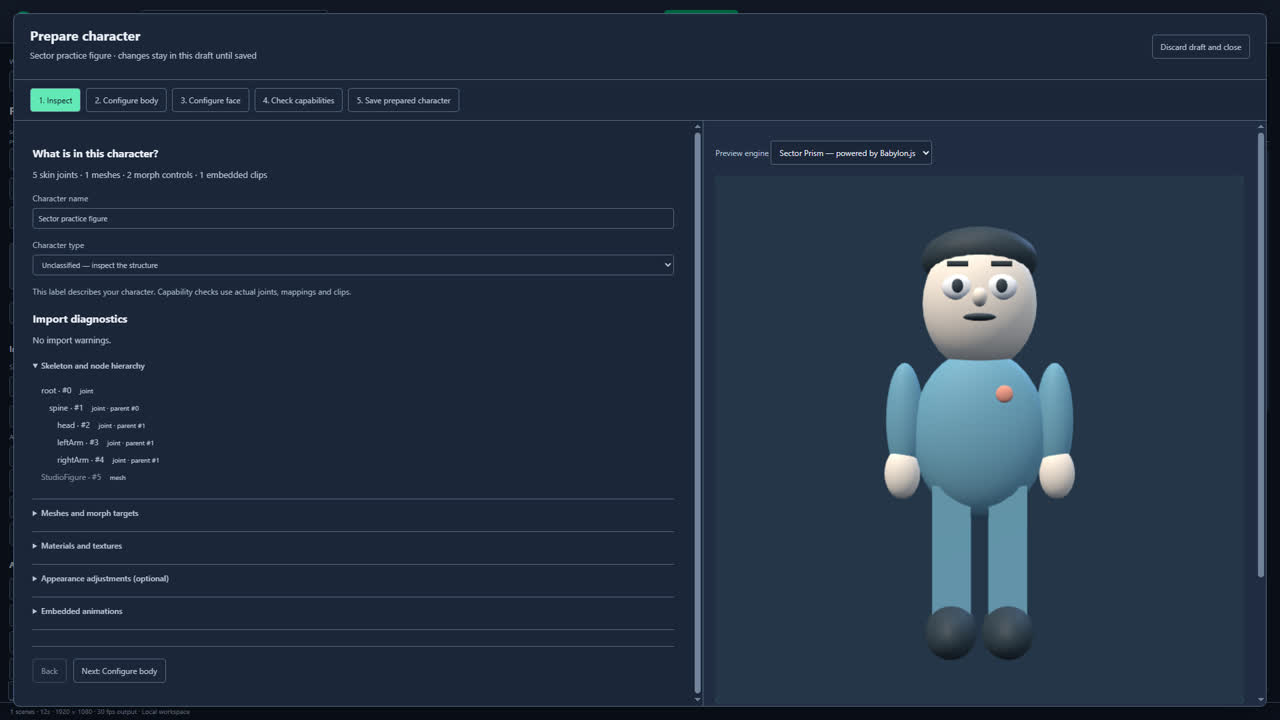
07 / Creating animations
PublishedA rig is the hidden structure and controls that let a character move.
Beginner · 2:41
Lesson details →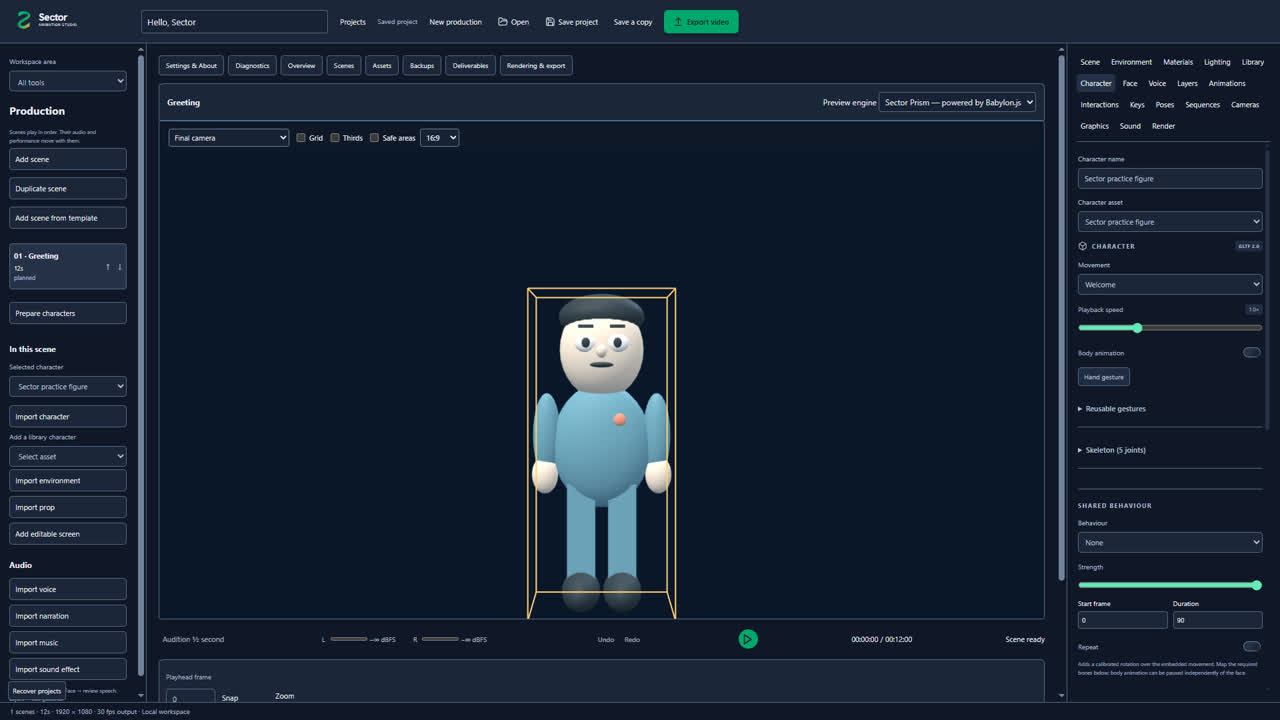
08 / Creating animations
PublishedChoose All tools in Workspace area so the full set of panels is available.
Beginner · 2:48
Lesson details →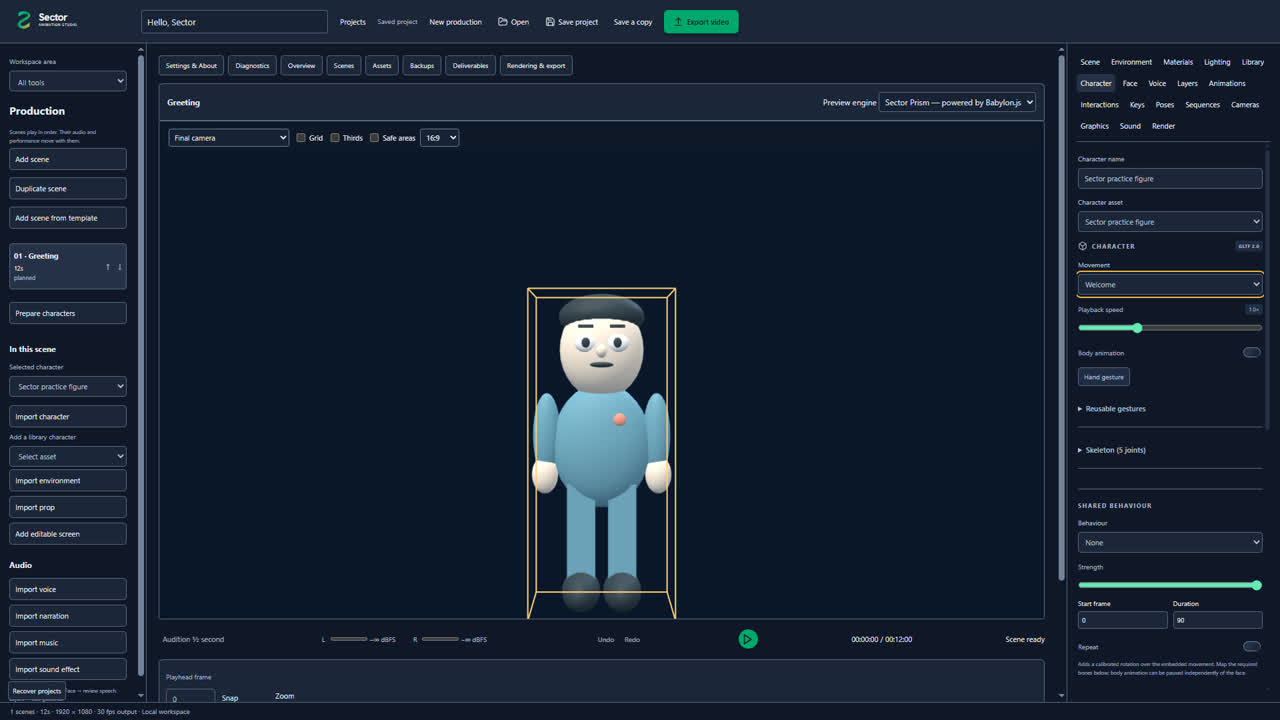
09 / Creating animations
PublishedChoose All tools in Workspace area so the full set of panels is available.
Beginner · 2:42
Lesson details →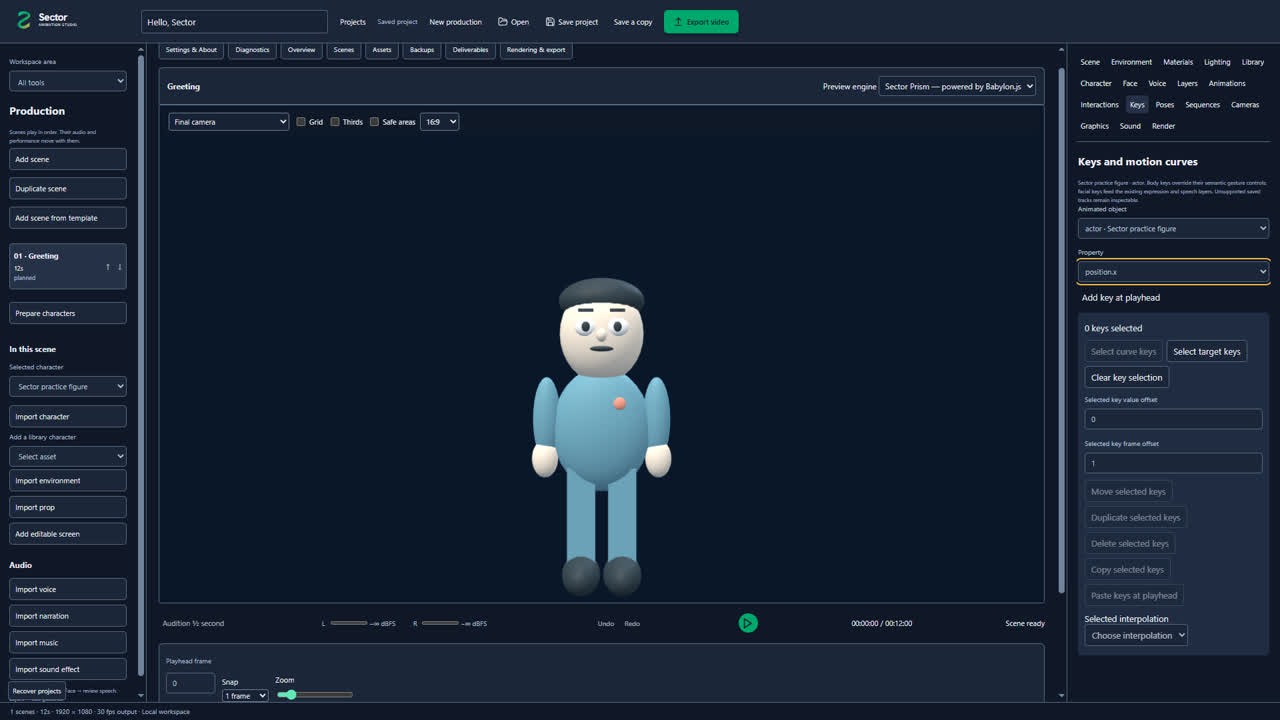
10 / Creating animations
PublishedChoose All tools in Workspace area so the full set of panels is available.
Beginner · 2:31
Lesson details →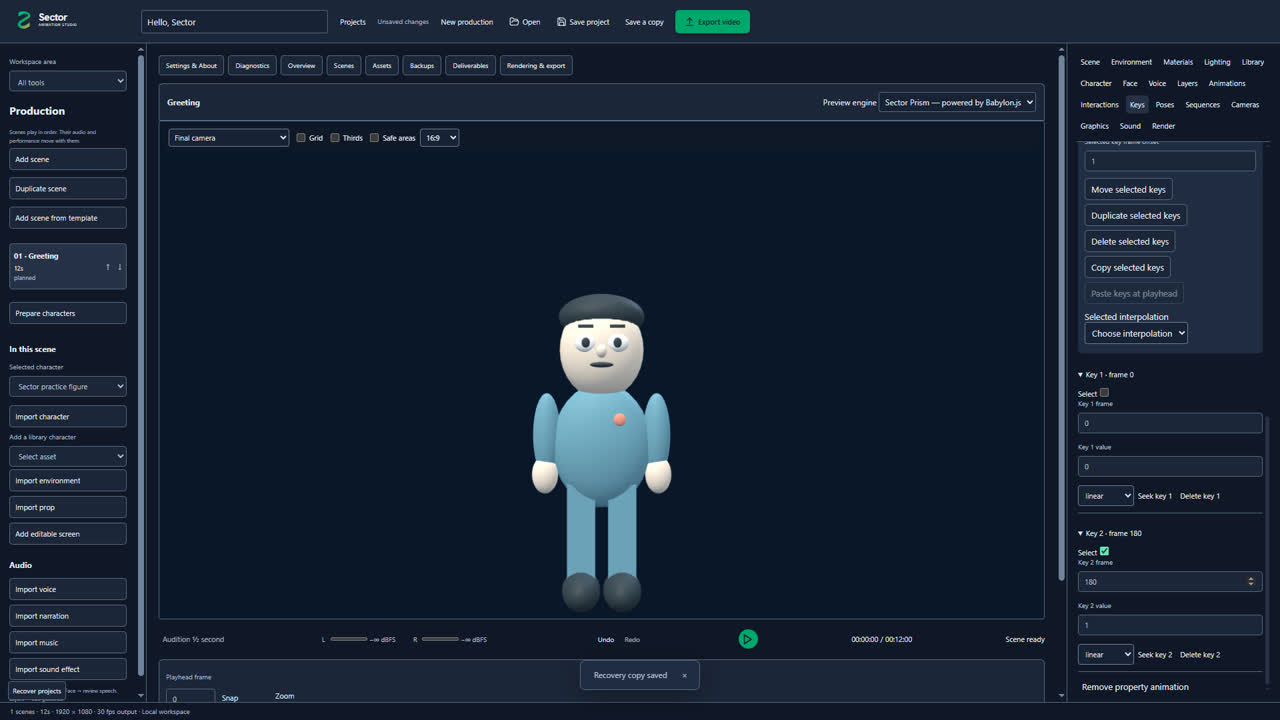
11 / Creating animations
PublishedChoose All tools in Workspace area so the full set of panels is available.
Beginner · 2:37
Lesson details →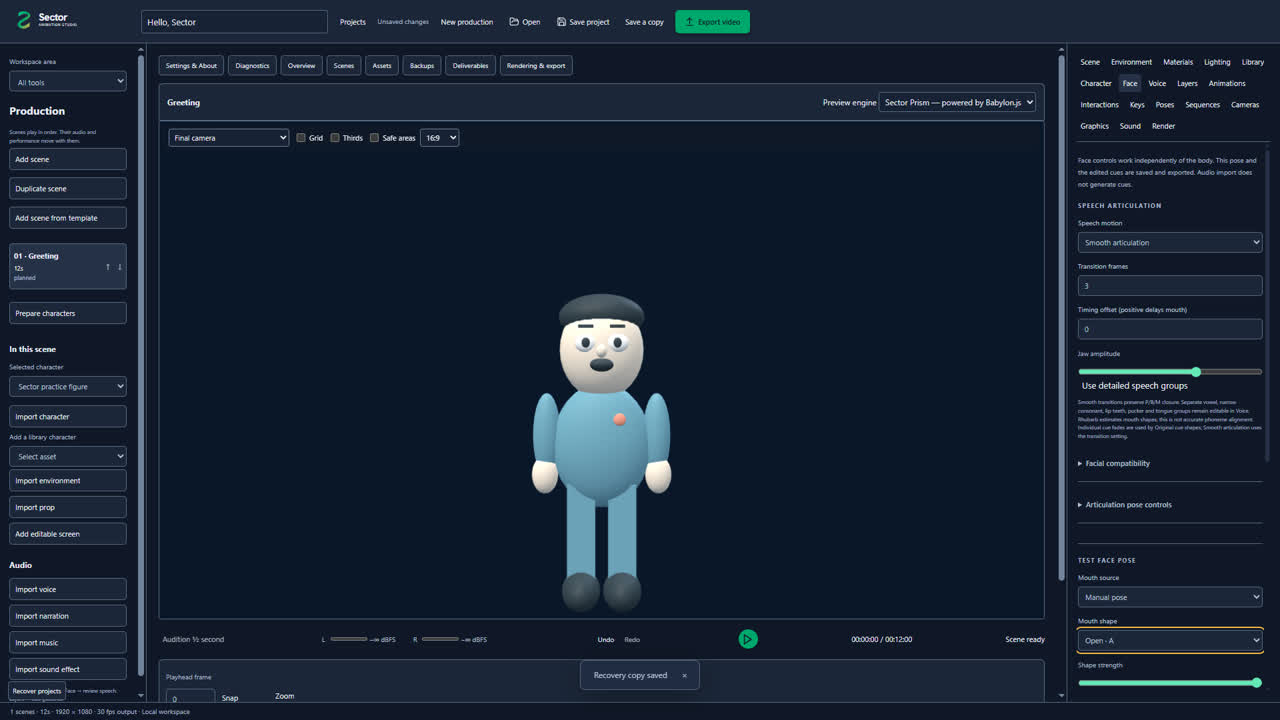
12 / Creating animations
PublishedChoose All tools in Workspace area so the full set of panels is available.
Beginner · 2:43
Lesson details →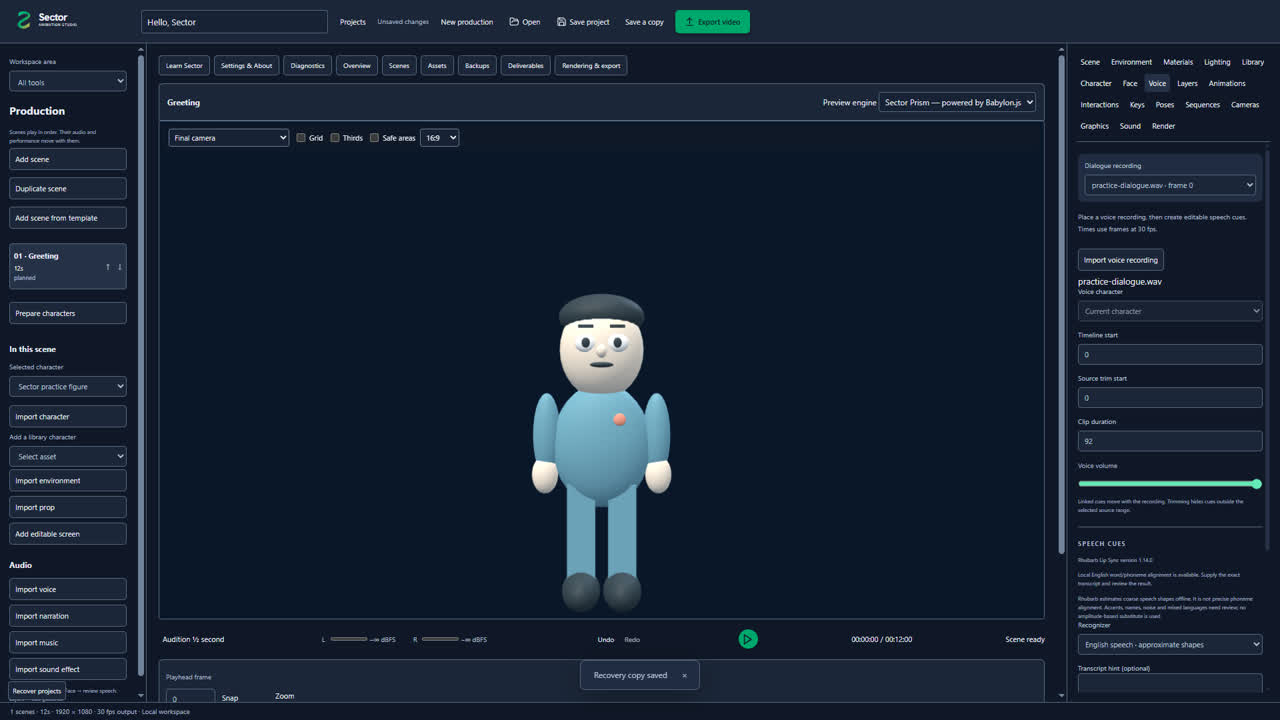
13 / Producing a video
PublishedChoose All tools in Workspace area so the full set of panels is available.
Beginner · 2:47
Lesson details →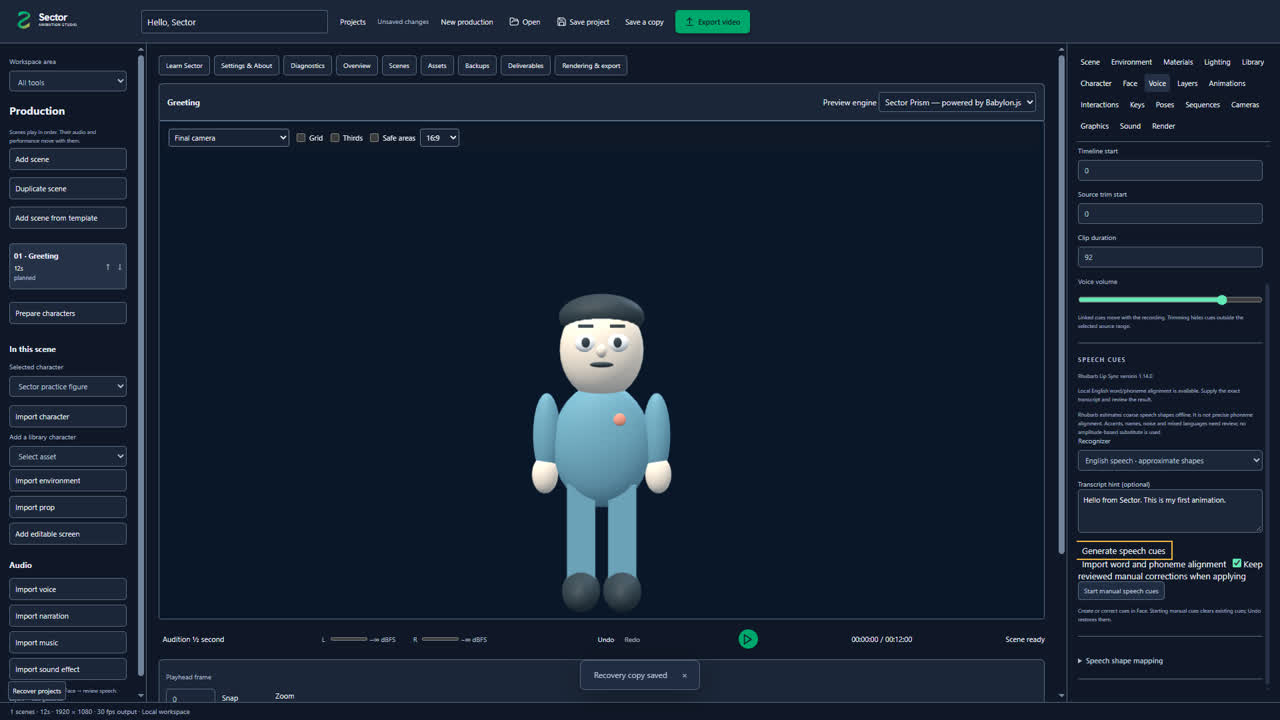
14 / Producing a video
PublishedChoose All tools in Workspace area so the full set of panels is available.
Beginner · 3:23
Lesson details →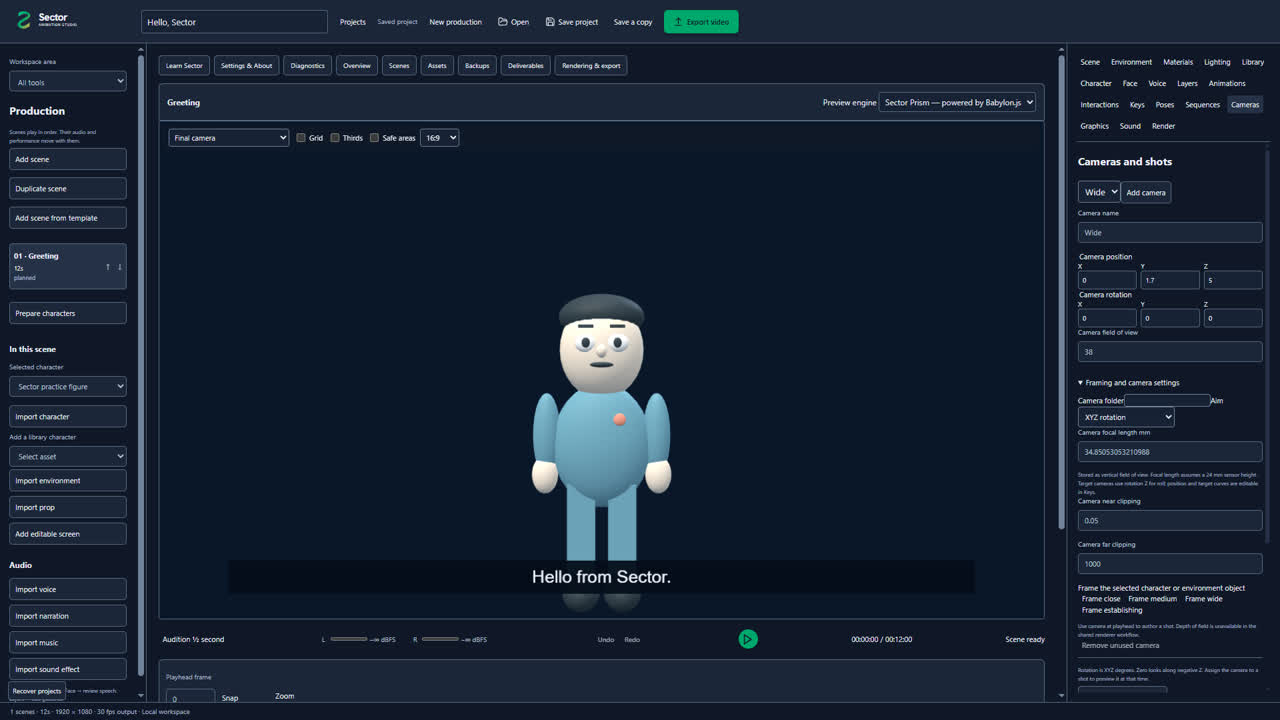
15 / Producing a video
PublishedChoose All tools in Workspace area so the full set of panels is available.
Beginner · 2:34
Lesson details →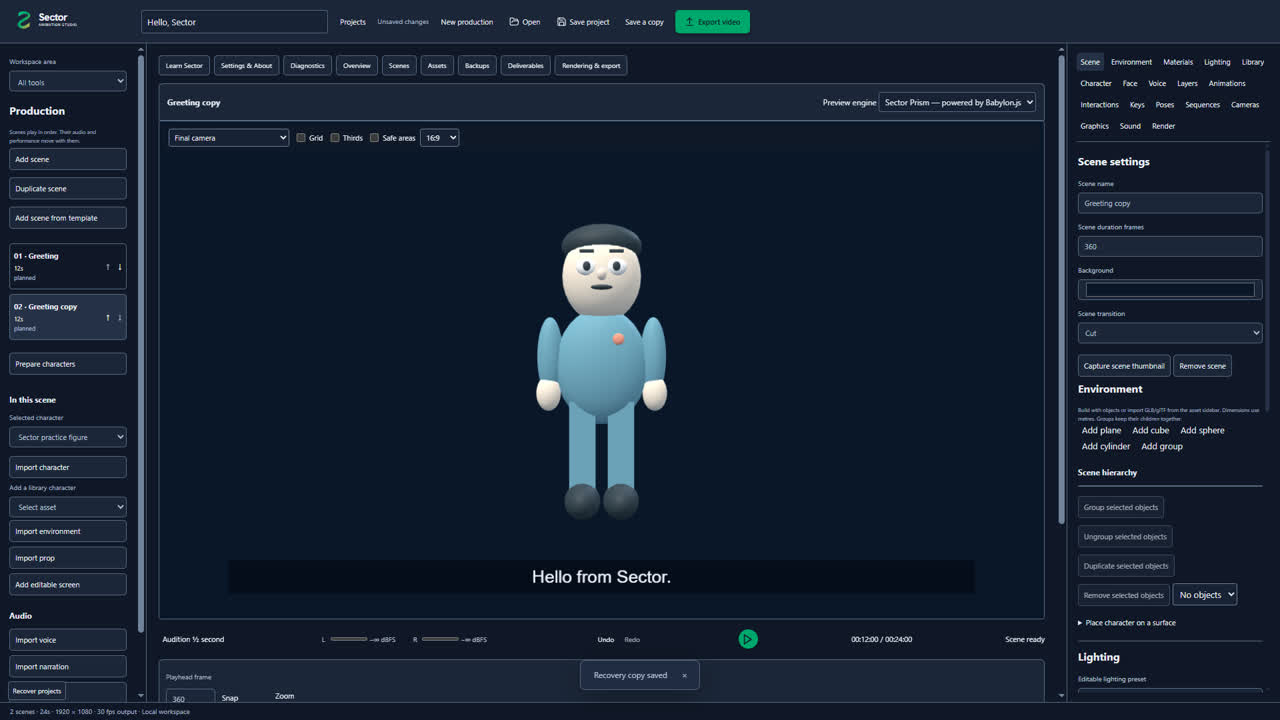
16 / Producing a video
PublishedChoose All tools in Workspace area so the full set of panels is available.
Beginner · 2:41
Lesson details →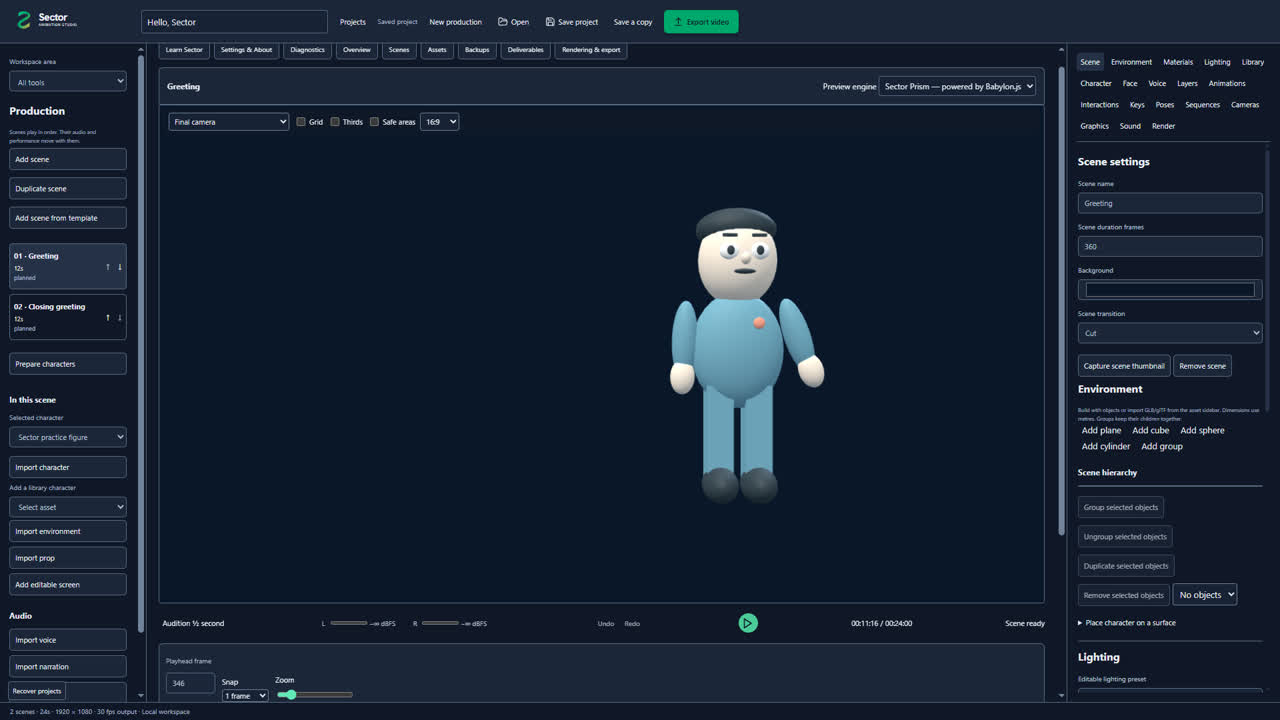
17 / Producing a video
PublishedChoose All tools in Workspace area so the full set of panels is available.
Beginner · 2:49
Lesson details →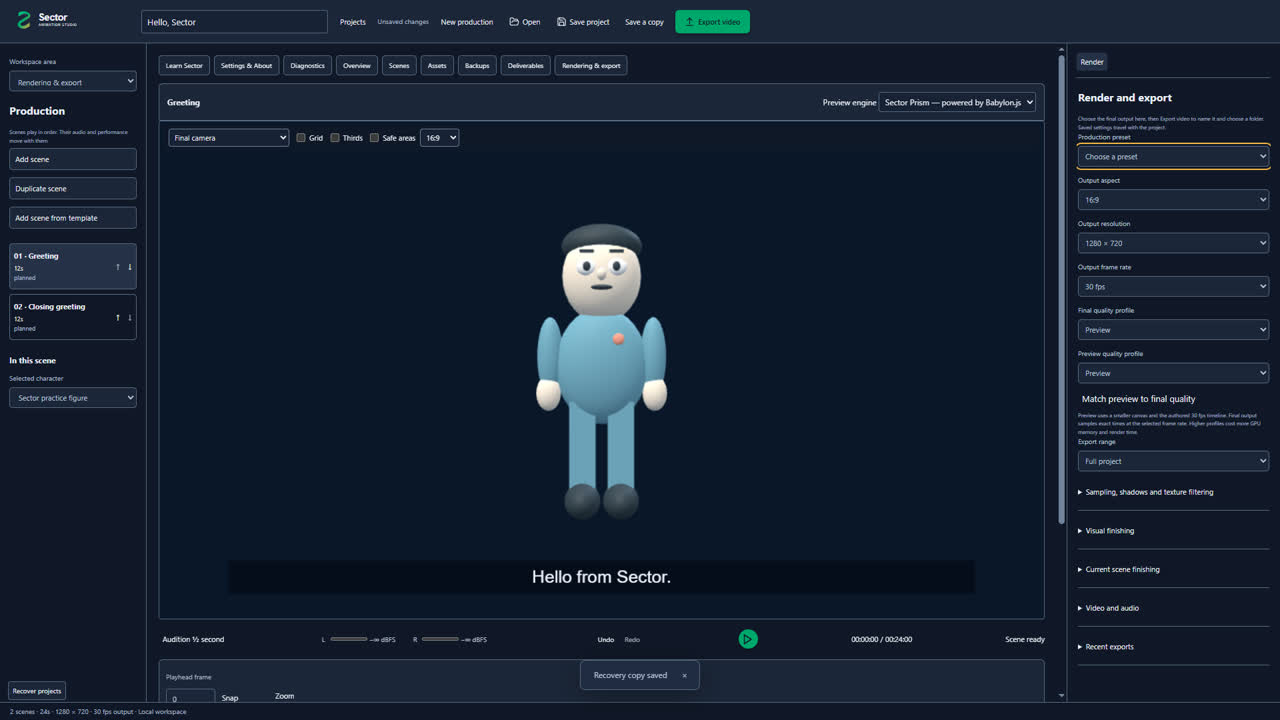
18 / Producing a video
PublishedChoose All tools in Workspace area so the full set of panels is available.
Beginner · 2:51
Lesson details →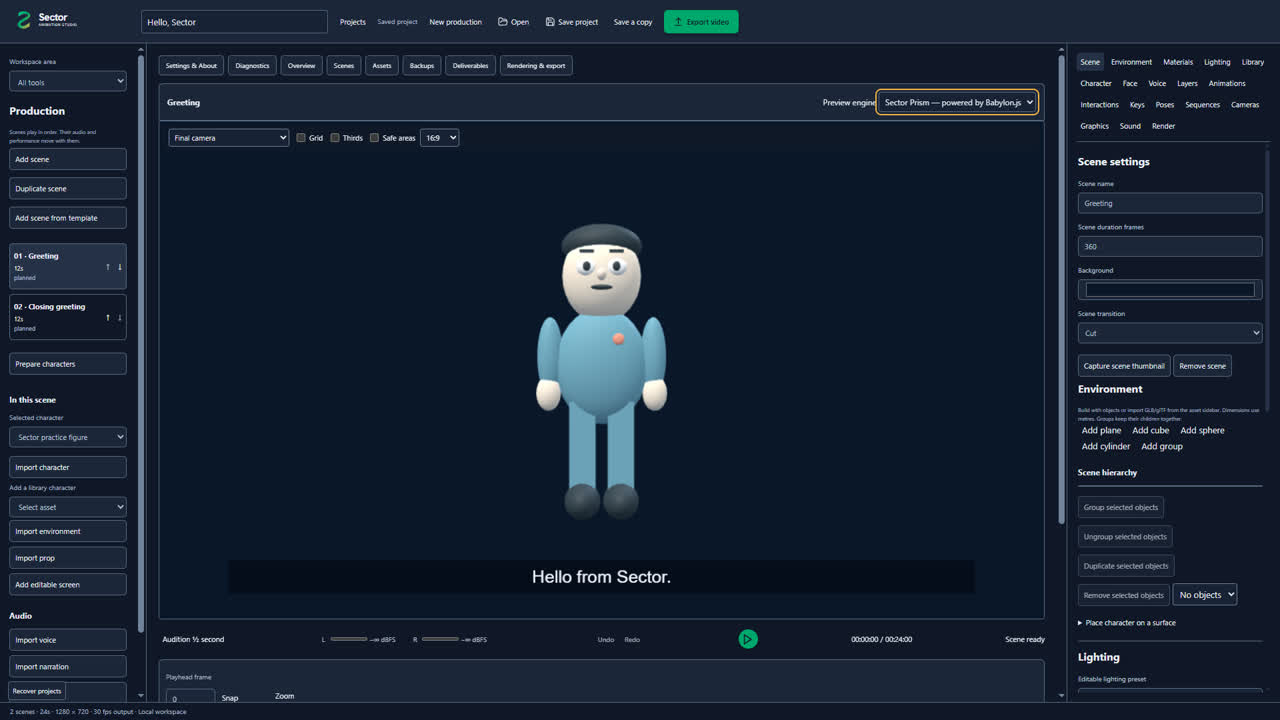
19 / Advanced workflows
PublishedChoose All tools in Workspace area so the full set of panels is available.
Advanced · 2:10
Lesson details →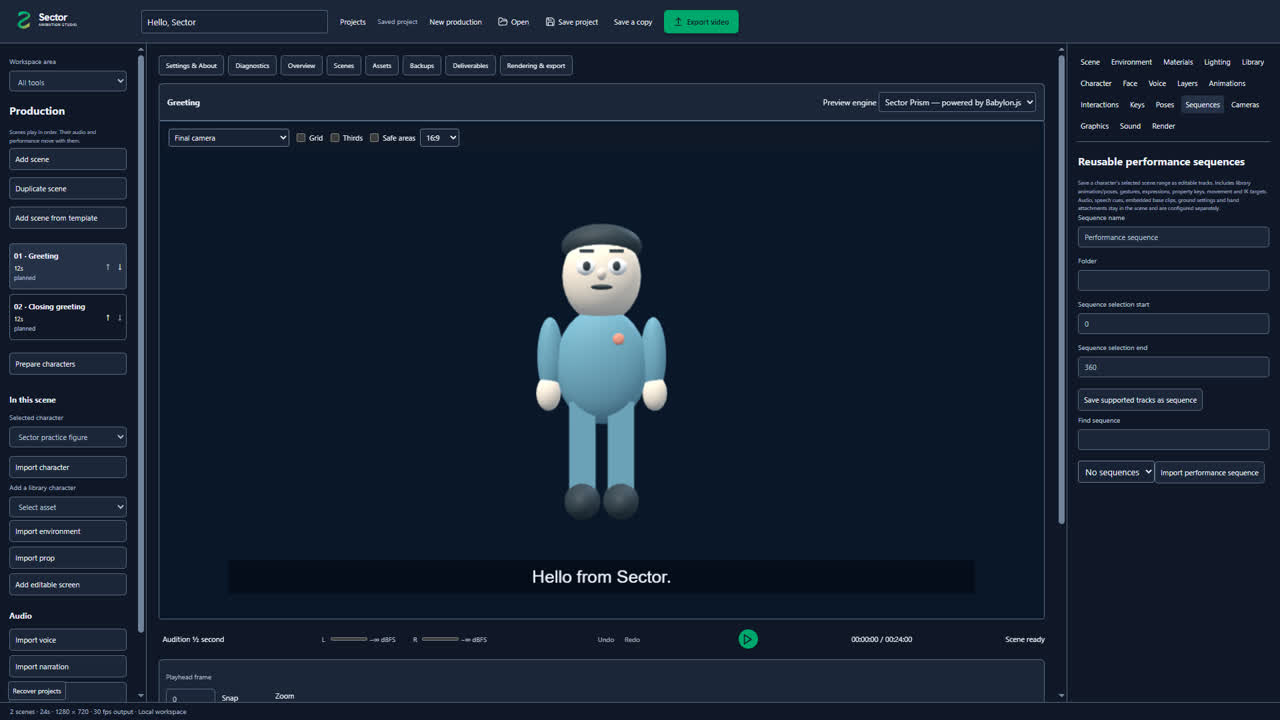
20 / Advanced workflows
PublishedChoose All tools in Workspace area so the full set of panels is available.
Advanced · 3:25
Lesson details →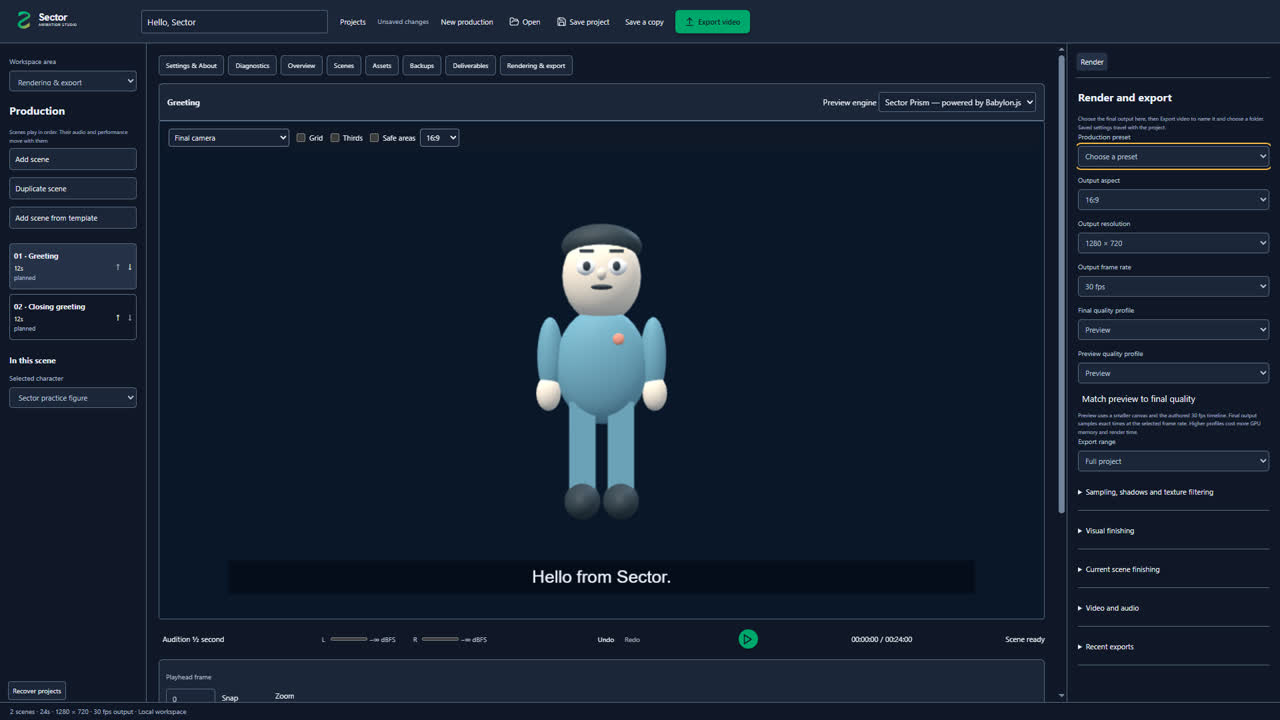
21 / Advanced workflows
PublishedChoose All tools in Workspace area so the full set of panels is available.
Advanced · 2:24
Lesson details →
22 / Advanced workflows
PublishedChoose All tools in Workspace area so the full set of panels is available.
Advanced · 2:59
Lesson details →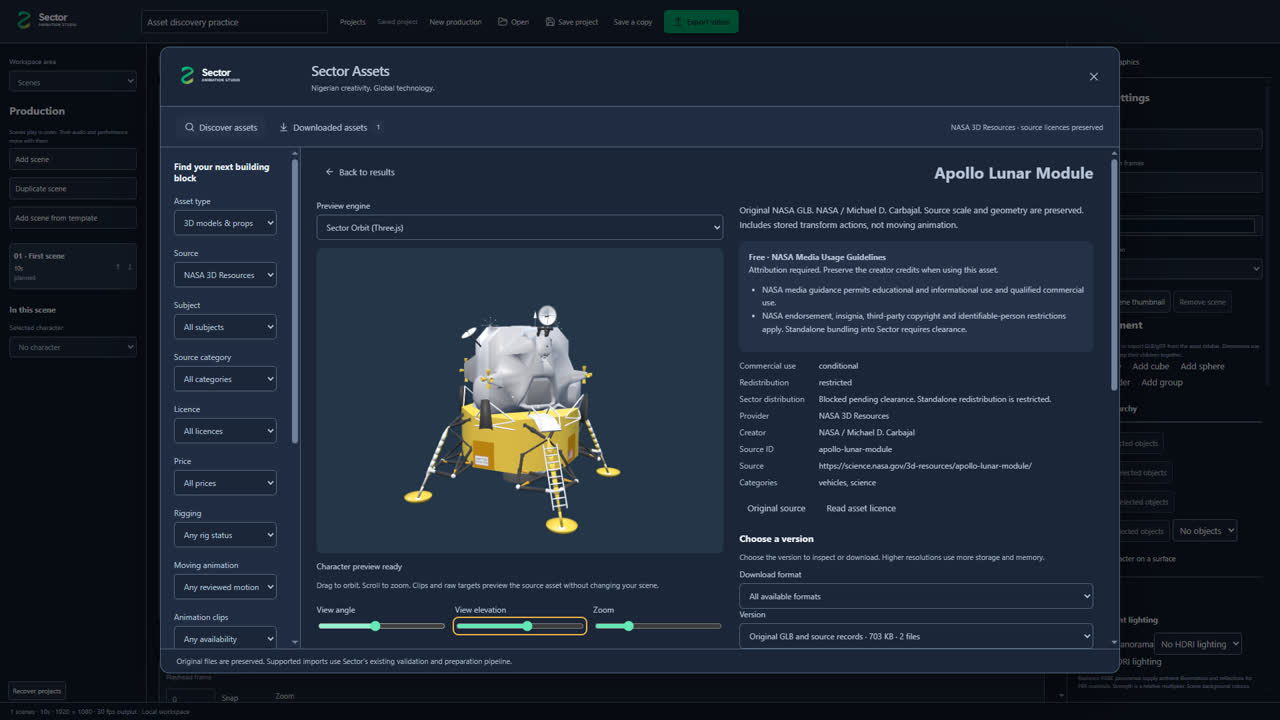
23 / Sector Assets
PublishedSearch the new provider catalogue. Read source, creator and usage records. Download and inspect a model before importing.
Beginner · 3:04
Lesson details →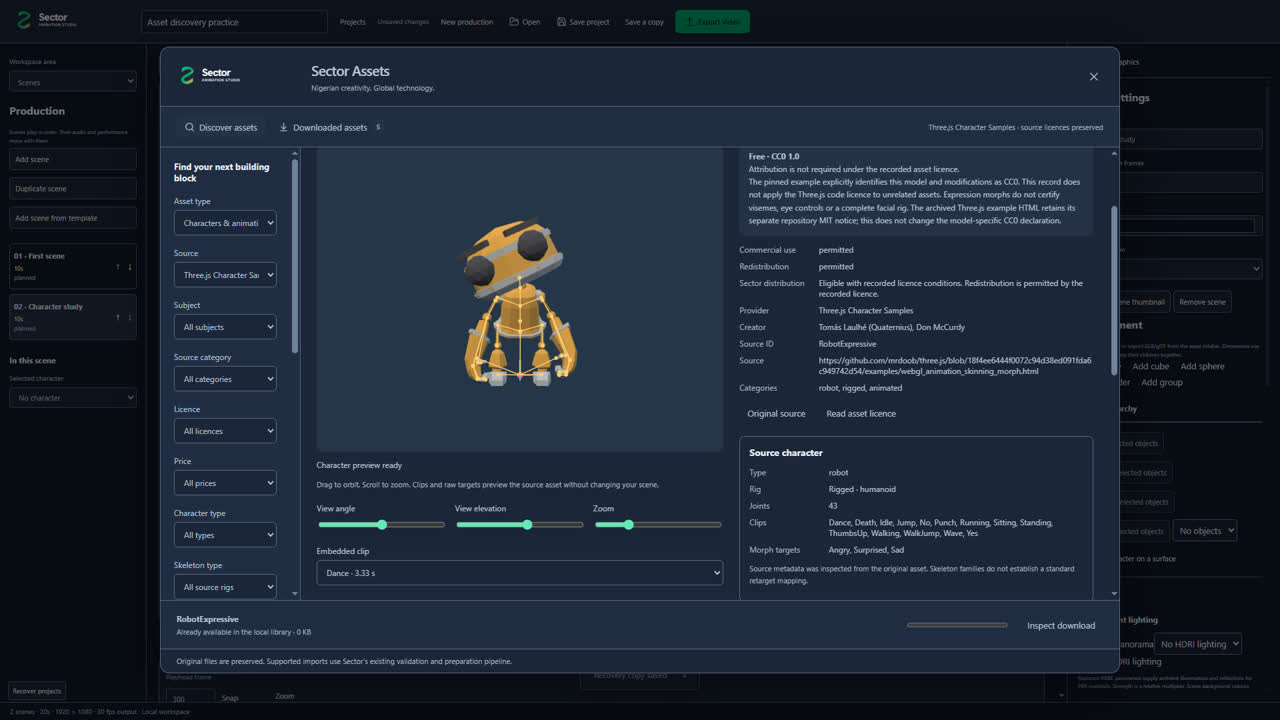
24 / Sector Assets
PublishedFind a reviewed animated character. Inspect a source skeleton and animation clips. Compare character previews in both engines.
Beginner · 3:29
Lesson details →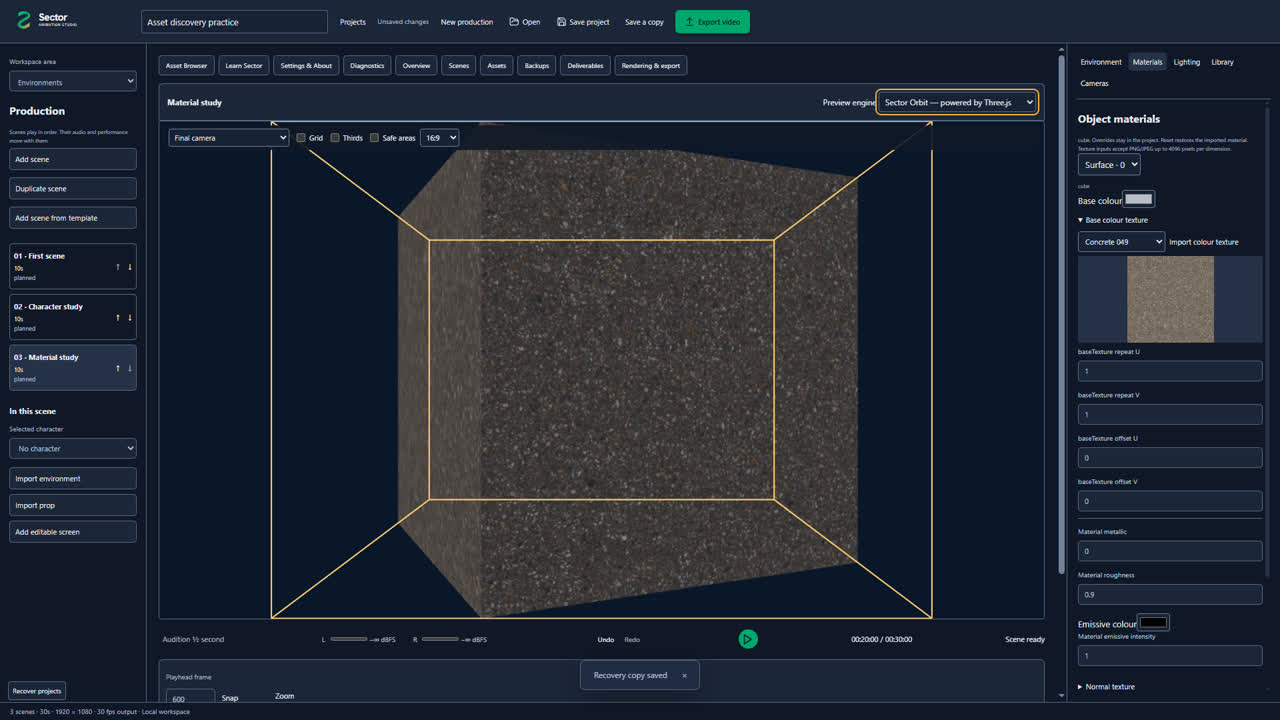
25 / Sector Assets
PublishedChoose a practical material resolution. Inspect a downloaded texture. Assign a colour texture to an object.
Beginner · 3:05
Lesson details →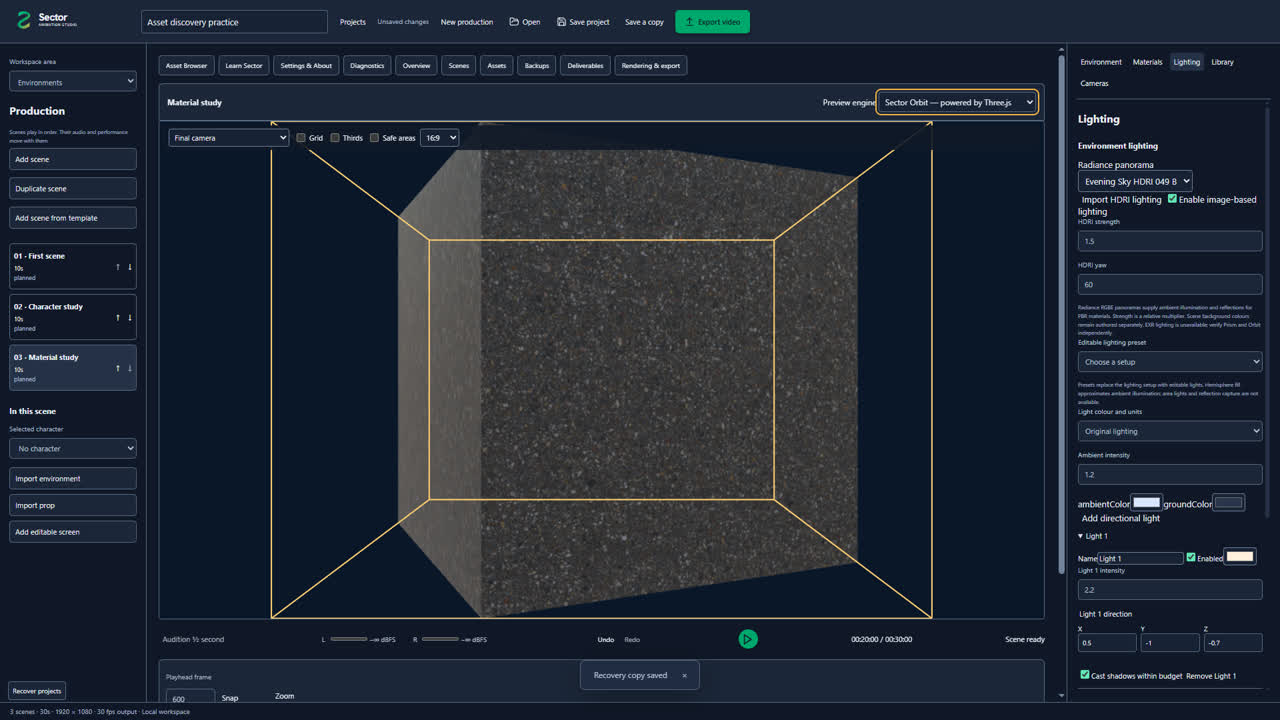
26 / Sector Assets
PublishedDownload an ambientCG HDR environment. Enable image-based lighting in a scene. Adjust lighting and compare Prism with Orbit.
Advanced · 2:58
Lesson details →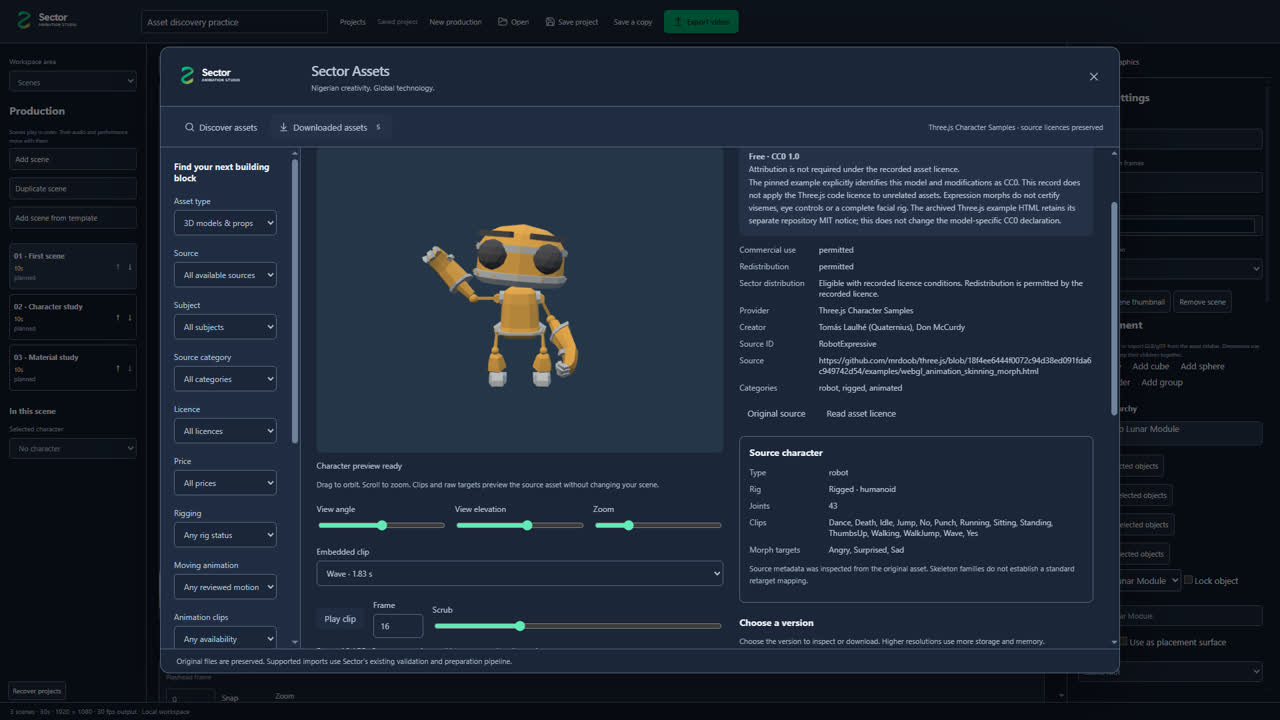
27 / Sector Assets
PublishedFind already downloaded assets. Understand cancellation and retry. Reopen a saved project with its dependencies.
Beginner · 3:09
Lesson details →